 by
by Accidentally deleting an important photo or video from your mobile phone can be frustrating. Sometimes a picture is removed while cleaning the gallery, while in other cases a video may disappear after a storage problem, system error, or accidental formatting. The good news is that deleted media is not always permanently lost immediately.
In 2026, several Android recovery apps and built-in mobile features can help users find recently deleted photos and videos. However, the results depend on how the files were deleted, how much time has passed, and whether new data has already overwritten the deleted files.
If you are searching for a Mobile Deleted Photo Video Recover Free App 2026, this guide explains how photo and video recovery works, which options you should try first, and what you should know before installing a recovery application.
Table of Contents
Can Deleted Photos and Videos Be Recovered?
Yes, sometimes deleted photos and videos can be recovered. When a file is deleted, the phone may not immediately erase every part of its data. Instead, the storage space can be marked as available for new files.
This means there may be a short period when recovery is possible.
For example, if you accidentally delete a family photo and immediately start using the phone normally, new downloads, photos, videos, app files, and other data may use the same storage space. Once the original data is overwritten, recovery becomes much more difficult.
For this reason, if you delete an important file by mistake, avoid downloading large files or recording new videos until you have checked the available recovery options.
Check the Recently Deleted Folder First
Before installing any recovery app, check whether your phone already has a deleted-items folder.
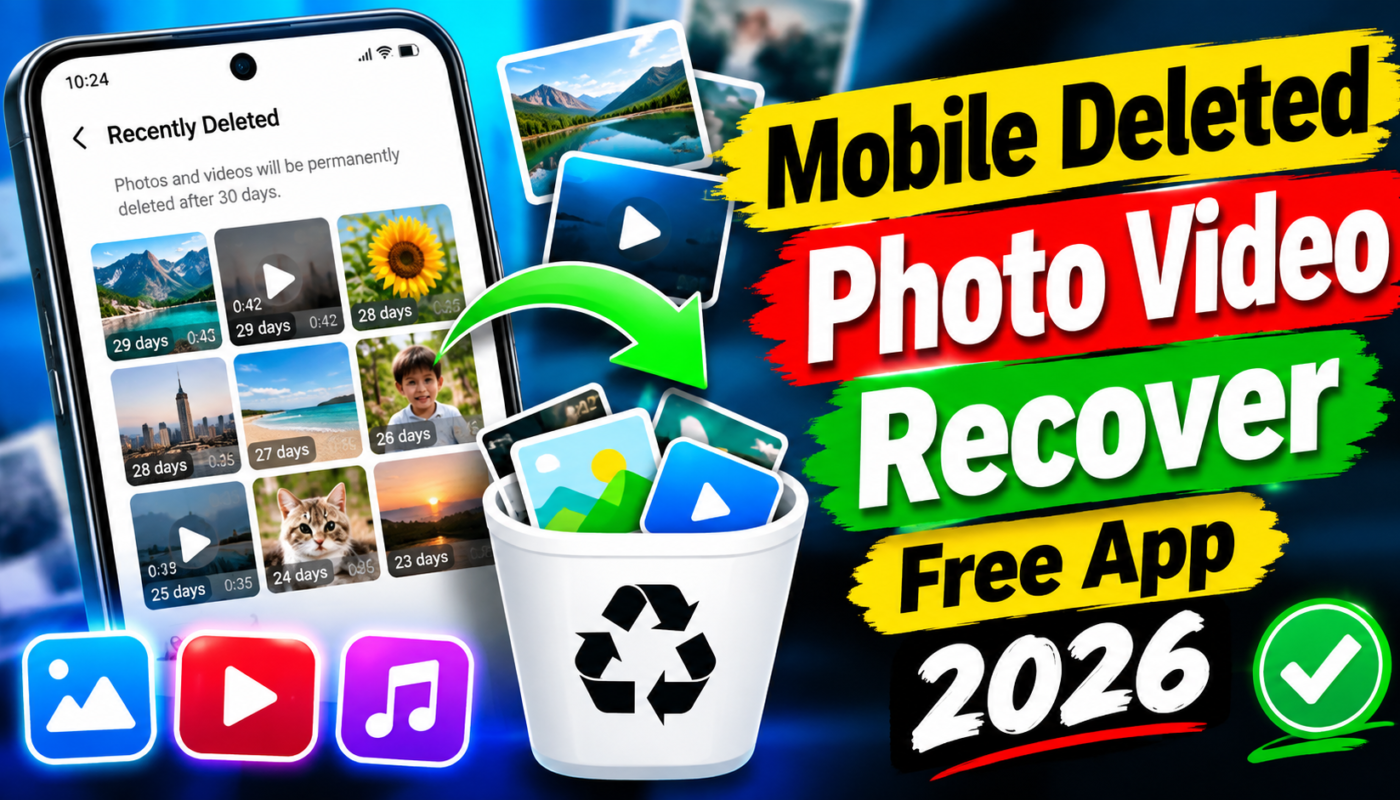
Many modern Android phones and gallery applications provide a Recently Deleted, Trash, or Recycle Bin section. Deleted photos and videos may remain there for a limited period before they are permanently removed.
Open your Gallery or Photos application and look for an option such as:
- Recently Deleted
- Trash
- Recycle Bin
- Bin
- Deleted Items
If your deleted photo or video is available there, recovery is usually much easier. You can simply select the file and choose the restore option.
This should always be your first step because it does not require installing an additional recovery application.
Google Photos Can Also Help
If you use Google Photos, check its Trash folder before trying third-party recovery software.
Photos and videos that were backed up to your Google account may still be available even if they have disappeared from the phone’s main gallery. Open Google Photos and check the Trash section.
If the deleted media is still stored there, you may be able to restore it to your library.
This method can be particularly useful when a user has accidentally removed files from the device but previously had automatic backup enabled.
Using a Free Photo and Video Recovery App
If the file is not available in the phone’s Trash or Recently Deleted folder, you can consider a recovery application.
A typical recovery app scans available storage for remnants or cached versions of deleted images and videos. Depending on the device and Android version, an app may have limited access to certain storage areas.
Some applications offer a basic scan for free and may show recoverable images before asking users to pay for advanced features.
When choosing a recovery app in 2026, pay attention to its permissions, developer information, reviews, and privacy policy. Avoid applications that request unnecessary access to contacts, messages, phone calls, or other personal information.
How to Use a Recovery App
The general process is relatively simple.
First, install a reputable recovery application from a trusted source. After opening the application, allow only the permissions that are necessary for scanning your media files.
Start with the basic or quick scan if the application provides different scanning options. The app may search the accessible storage and display images that can potentially be recovered.
Review the results carefully. Some files may appear with missing names, reduced quality, or incomplete previews.
Select the photos or videos you want to recover and use the application’s recovery option.
It is usually better to save recovered files to a different location if the application gives you that choice. This reduces the possibility of recovered data being overwritten during the recovery process.
Why Some Recovery Apps Do Not Work
A common mistake is expecting every deleted file to be recoverable.
Modern smartphones use advanced storage systems and security features. Android applications also have restrictions on accessing certain storage areas. Because of these limitations, a normal recovery app may not be able to find files that have been permanently deleted.
There are several other reasons recovery may fail.
If the file was deleted a long time ago, its storage space may already have been reused. If the phone has been heavily used since deletion, new data could have overwritten the old information.
Encrypted storage, factory resets, damaged storage, and certain file-system changes can also make recovery more difficult.
Therefore, no legitimate recovery application can guarantee that every deleted photo or video will be restored.
Free Recovery vs Paid Recovery Apps
Many users search specifically for a free deleted photo and video recovery app. Free tools can be useful for simple cases, especially when deleted files are still accessible through the gallery trash or when small cached versions remain on the device.
However, some applications advertise completely free recovery but later require payment to save the recovered files.
Before spending money, check whether the app actually displays your deleted files. If a preview is available, use it to determine whether the files are still recoverable.
You should also avoid modified or cracked recovery applications. These versions can contain unwanted software and may put your personal files or accounts at risk.
Tips to Improve Your Chances of Recovery
If you have accidentally deleted an important photo or video, take action quickly.
Stop recording new videos and avoid downloading large files. Do not repeatedly install and uninstall recovery applications because each operation can create additional data.
Check the Gallery Trash first, followed by Google Photos or another cloud backup service you normally use.
If you have an SD card, check whether the deleted files were stored there. Recovery possibilities can sometimes be different for removable storage compared with internal phone storage.
Most importantly, do not assume that an application promising “100% recovery” is telling the truth. Recovery depends on the actual condition of the storage and the way the file was deleted.
How to Prevent Losing Photos in the Future
The easiest recovery solution is having a backup before a file is deleted.
Enable automatic photo and video backup through a trusted cloud service if you have enough storage. You can also periodically transfer important files to a computer, external drive, or another secure storage location.
For valuable family photos, documents, and personal videos, keeping more than one backup is a good idea.
A backup also protects your files if the phone is lost, damaged, stolen, or suddenly stops working.
Final Thoughts
A Mobile Deleted Photo Video Recover Free App 2026 can be useful when an important file has accidentally disappeared, but recovery is not guaranteed. The best approach is to check your phone’s Recently Deleted or Trash folder first, followed by cloud backups such as Google Photos.
If those options do not contain the missing files, a reputable recovery application may be worth trying. However, stop using the affected storage as much as possible and avoid applications that make unrealistic recovery promises.
The sooner you act after deleting a photo or video, the better your chances may be. And for important files, regular backups remain the safest way to protect your memories from accidental deletion.